Ritual
ChromeFirefox · coming soon

A small ritual for every new tab.

Ritual turns the new tab into a calm place to plan your day, and keeps a quiet sidebar at the edge of every site. Pick one thing, give it a block of time, and let Ritual keep the distractions out of the way.

No account needed. No ads, no analytics. Your tasks and journal stay in your browser.

New Tab
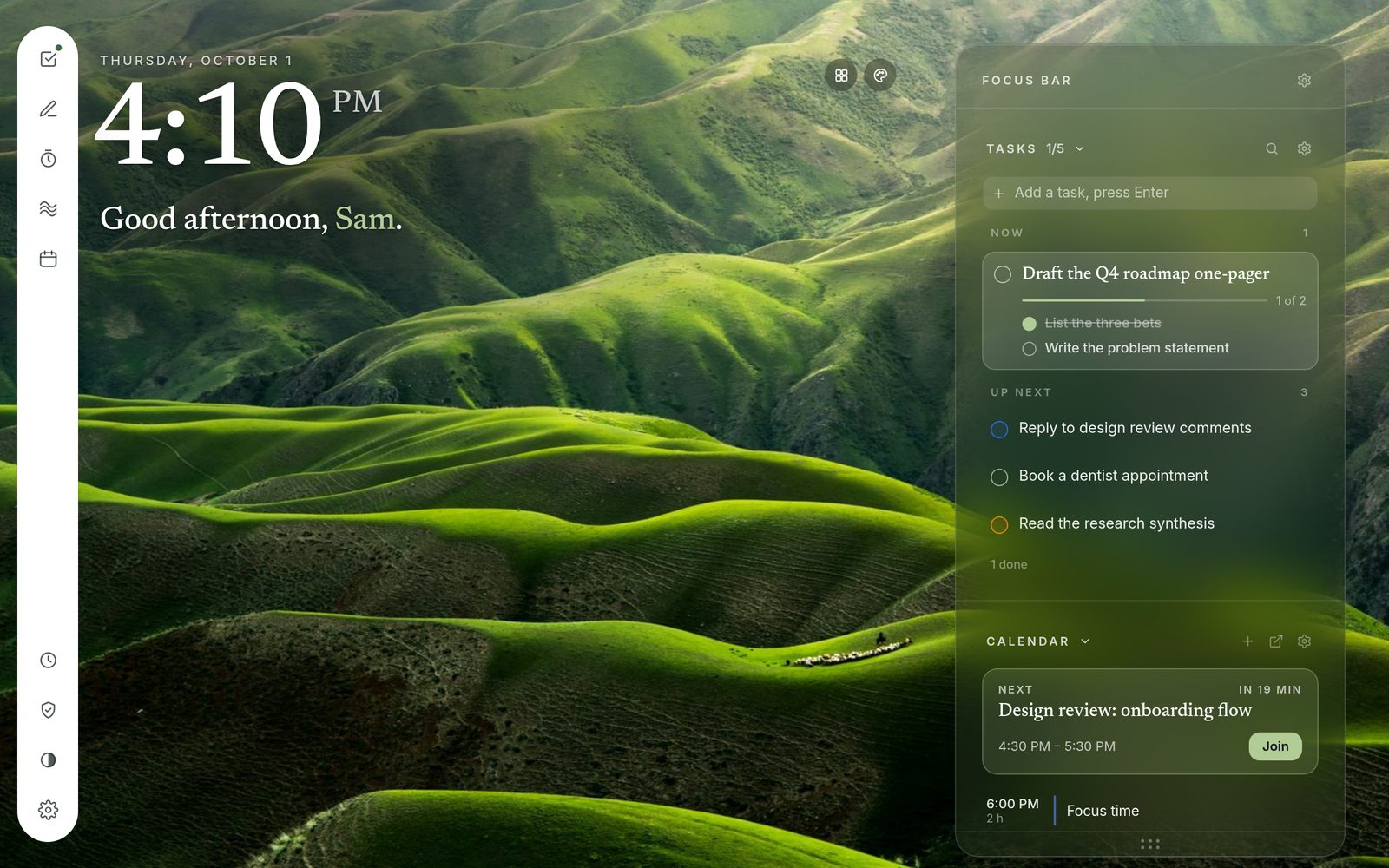
Ritual’s new tab: the time and a greeting over green hills, a sidebar of tools on the left, and the Focus Bar on the right with today’s tasks and the next meeting.

Tasks

One thing at a time.

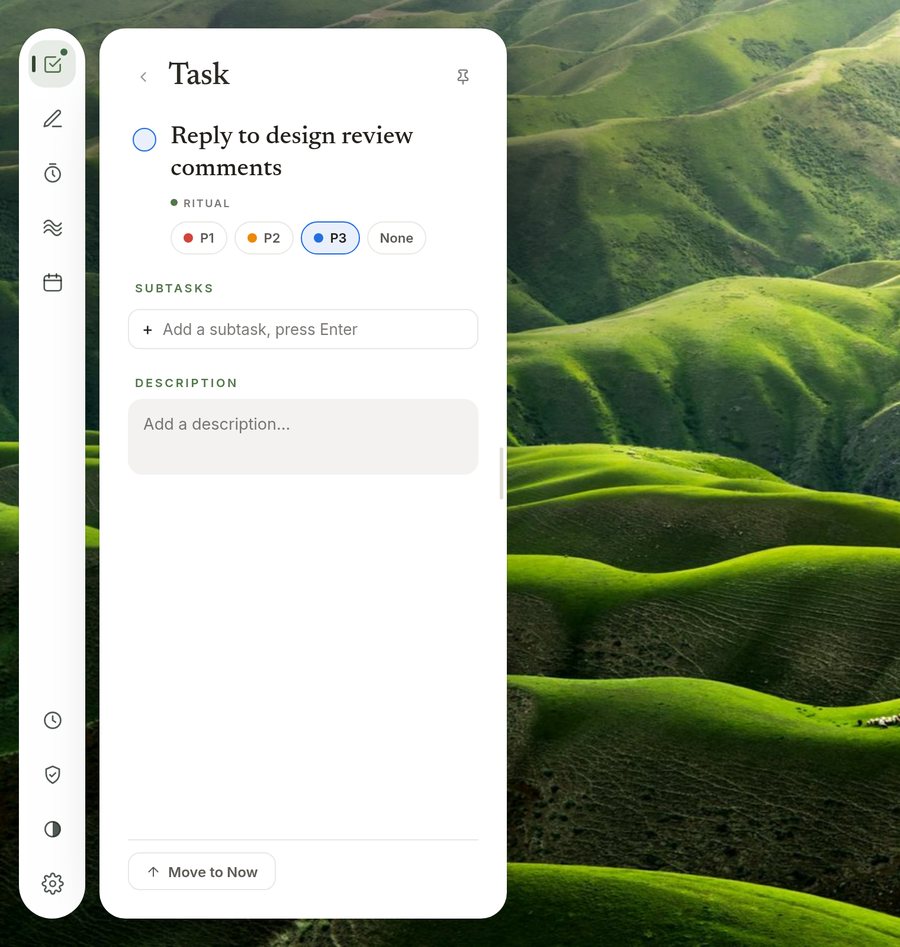
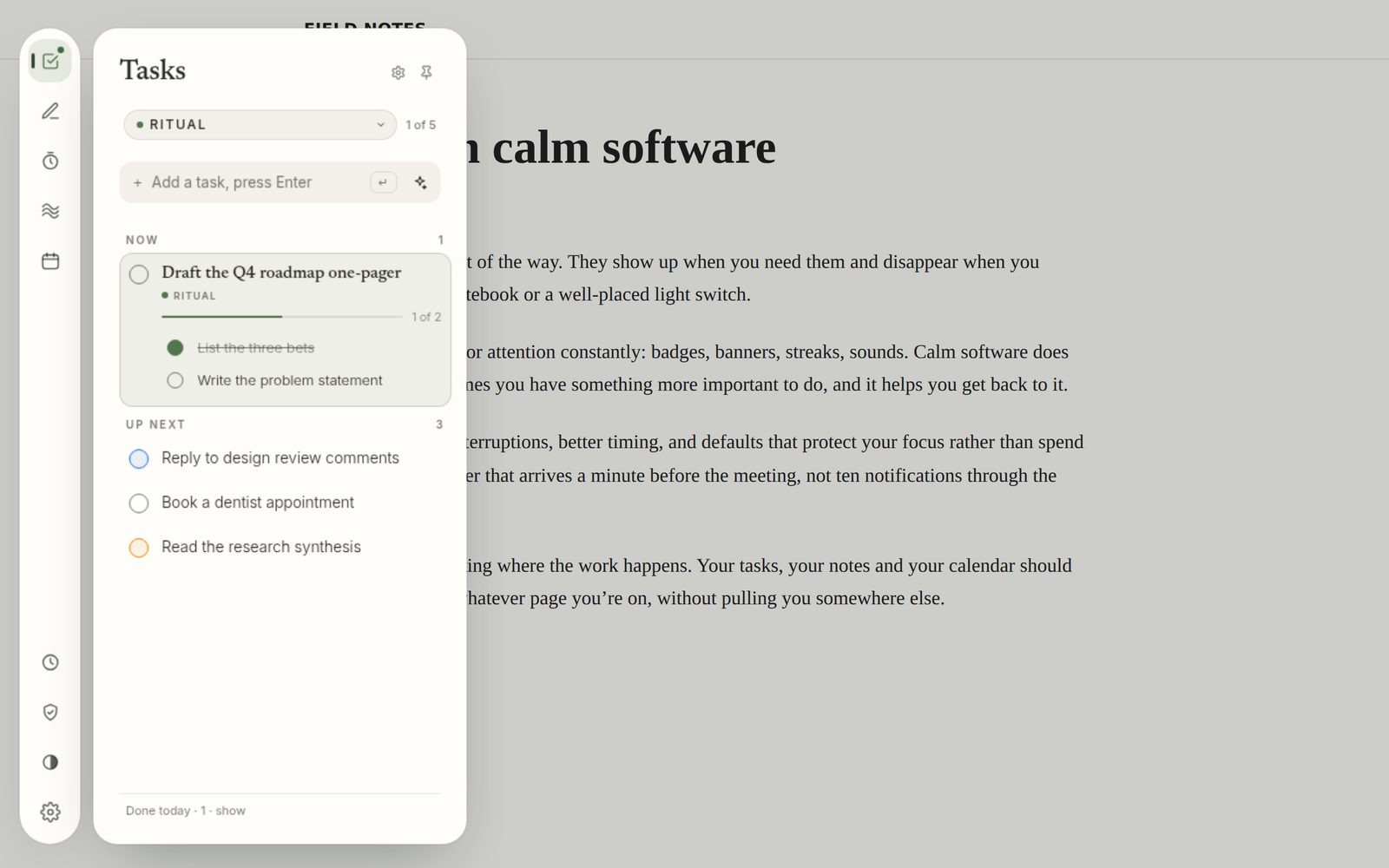
Keep one task in Now and the rest in Up next. Open any task to add steps, a description or a priority, or drag it onto another to make it a step.

  • Use Ritual’s own list, or connect Todoist or Google Tasks and work on the tasks you already have.
  • Type something vague and Ritual breaks it into steps, on your own computer.
  • Finish a task and get a little confetti. Delete one by mistake and undo it.
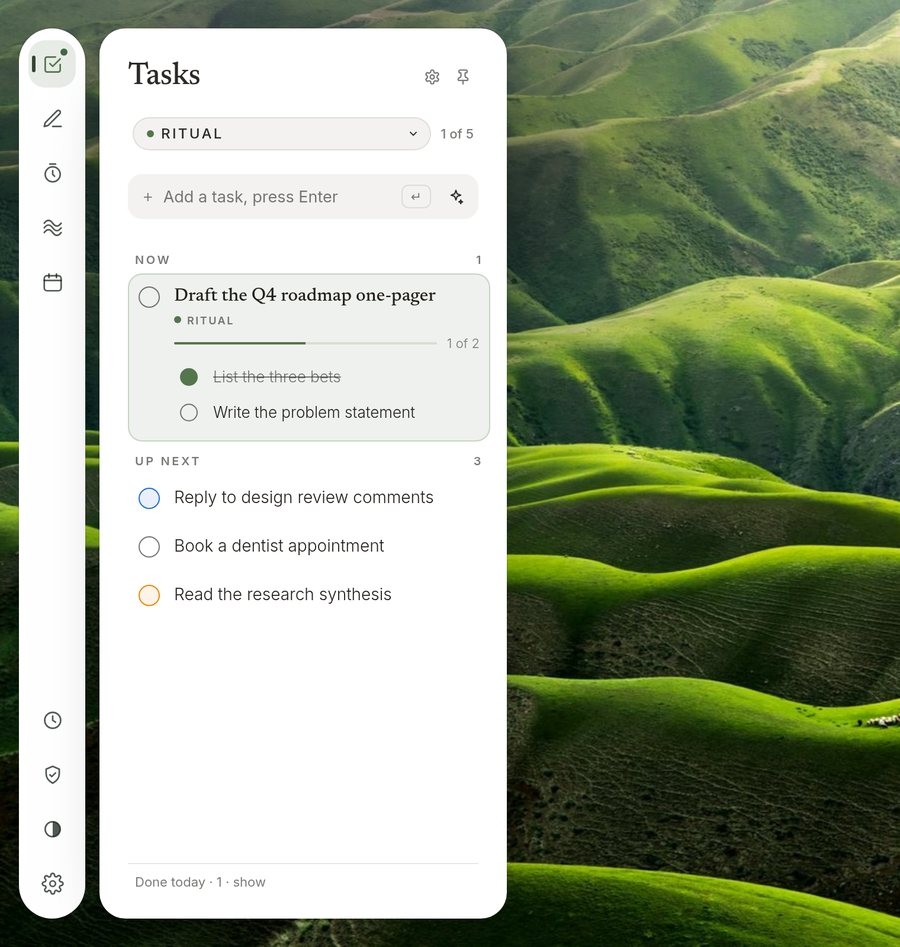
Tasks panel with a task in Now showing 1 of 2 steps, and three tasks in Up next. A task opened on its own, with priority chips, a subtasks field and a description box.

Deep Focus

Pick a task, pick a length.

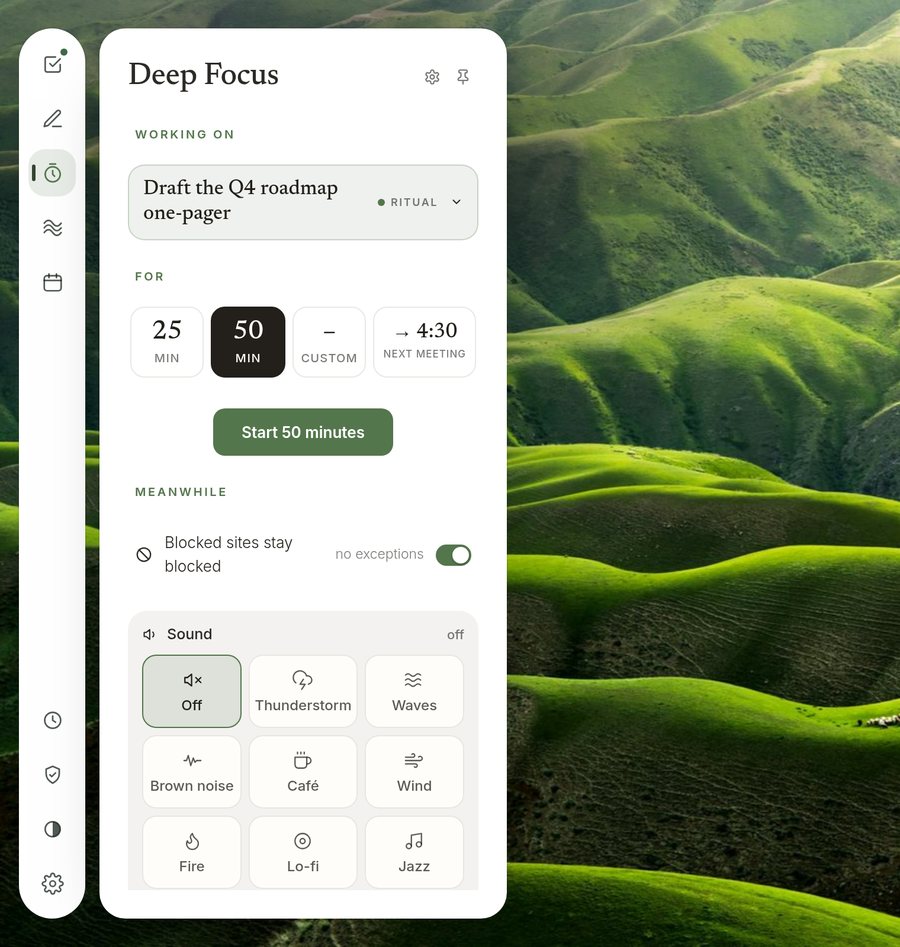
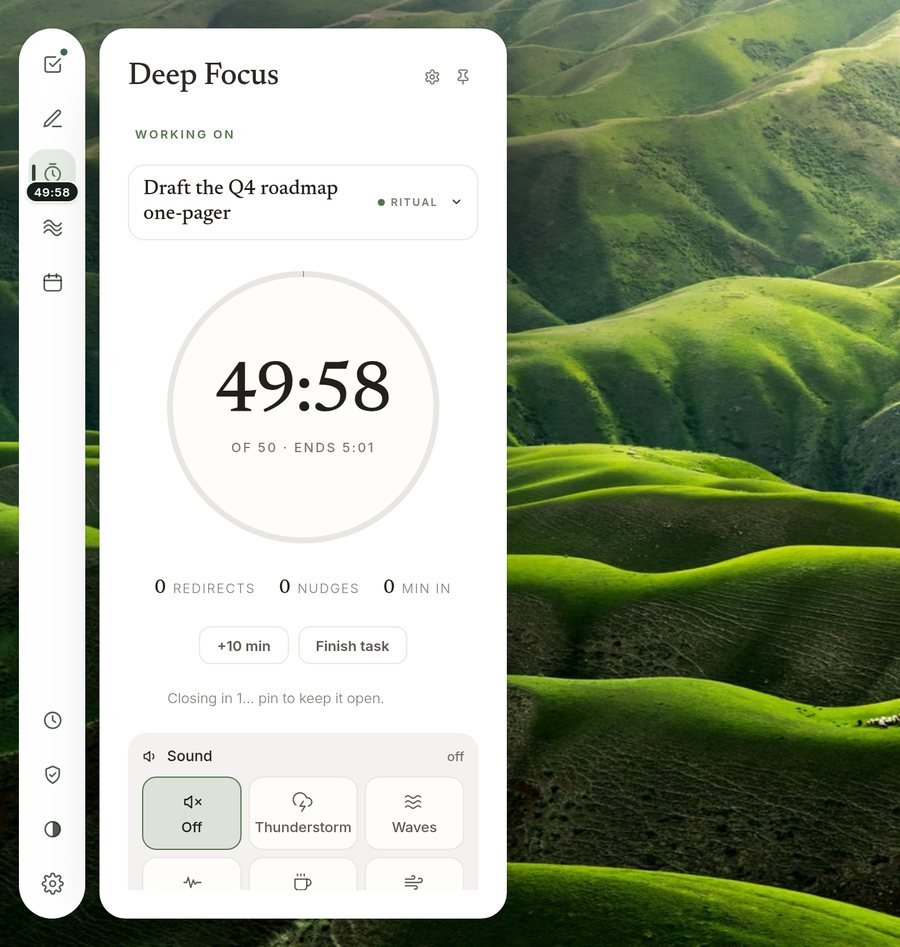
Start a block and the sites you’ve blocked stay blocked until it ends. The time left shows in the sidebar and on the toolbar icon, so you never have to come back to check.

  • Rain, a café, waves or a lo-fi stream can play underneath.
  • A meeting coming up? Ritual can end the block when it starts.
Deep Focus setup: the task being worked on, length tiles for 25, 50 or a custom time, and sound choices. A focus block running, with 49:58 left on a large ring timer.

Blocked sites

A pause, not a wall.

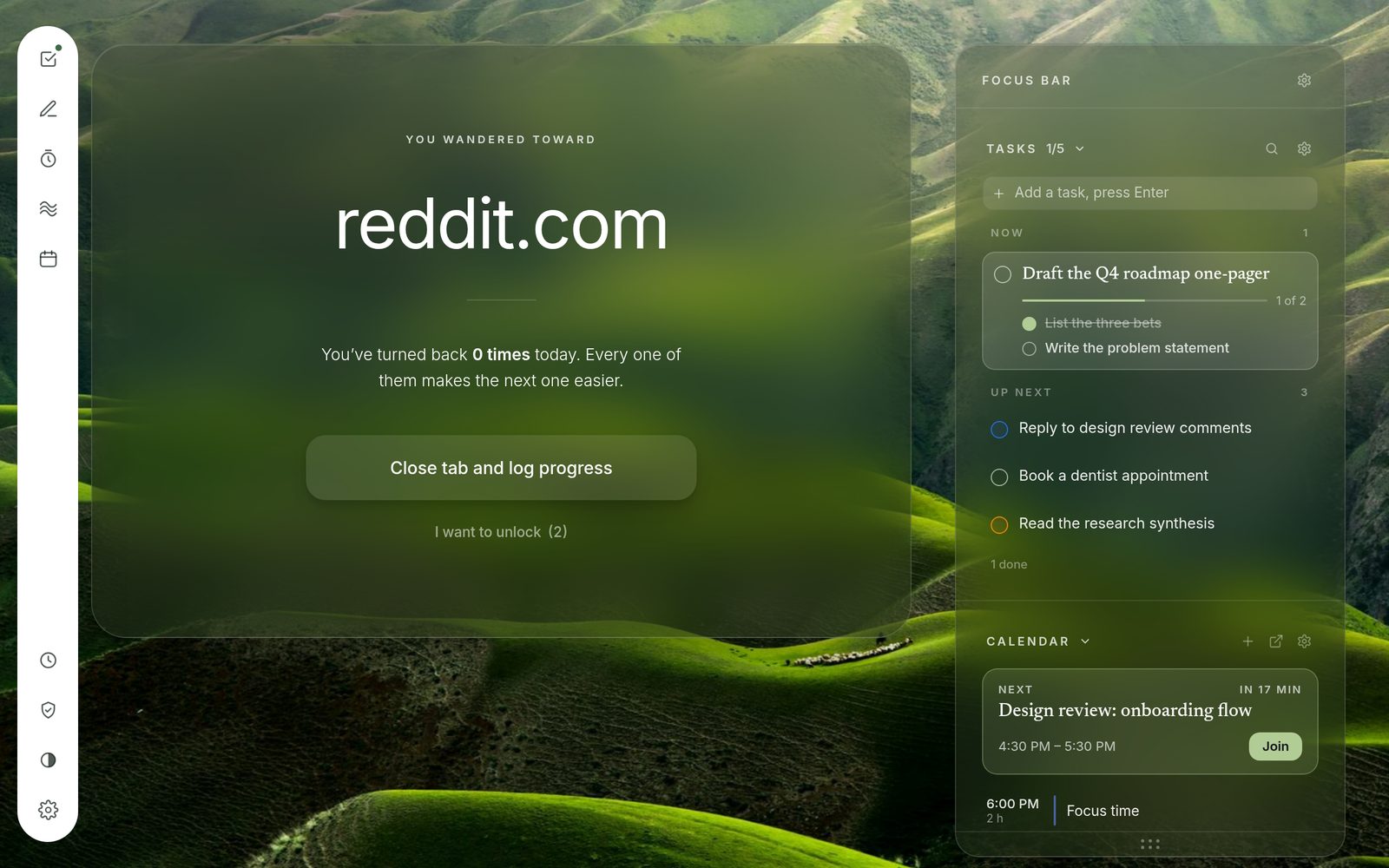
When you drift toward a site that pulls at you, Ritual shows you where you were headed and offers a way back. You can still choose to go, and Ritual blocks it again on its own.

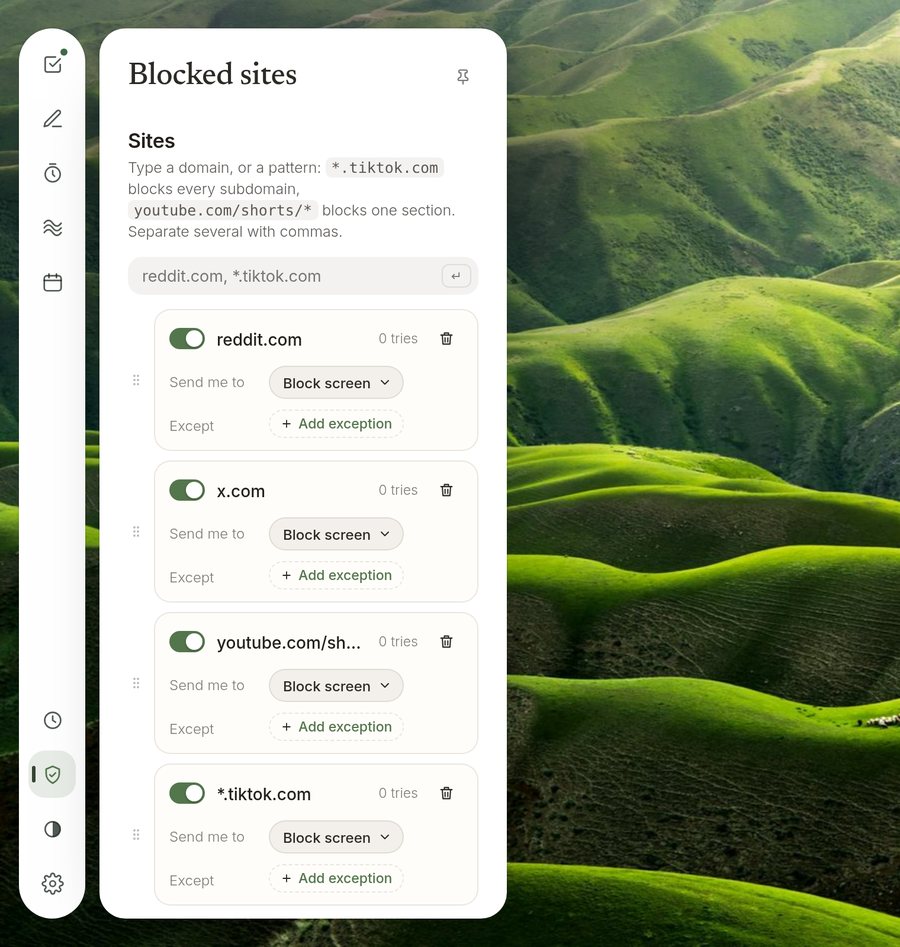
  • Block whole sites, every subdomain with *.site.com, or one section like youtube.com/shorts/*.
  • Send each one somewhere useful instead: your tasks, your journal or a breath.
The turn-back screen: You wandered toward reddit.com, with a button to close the tab.

Journal

Always open, saved as you type.

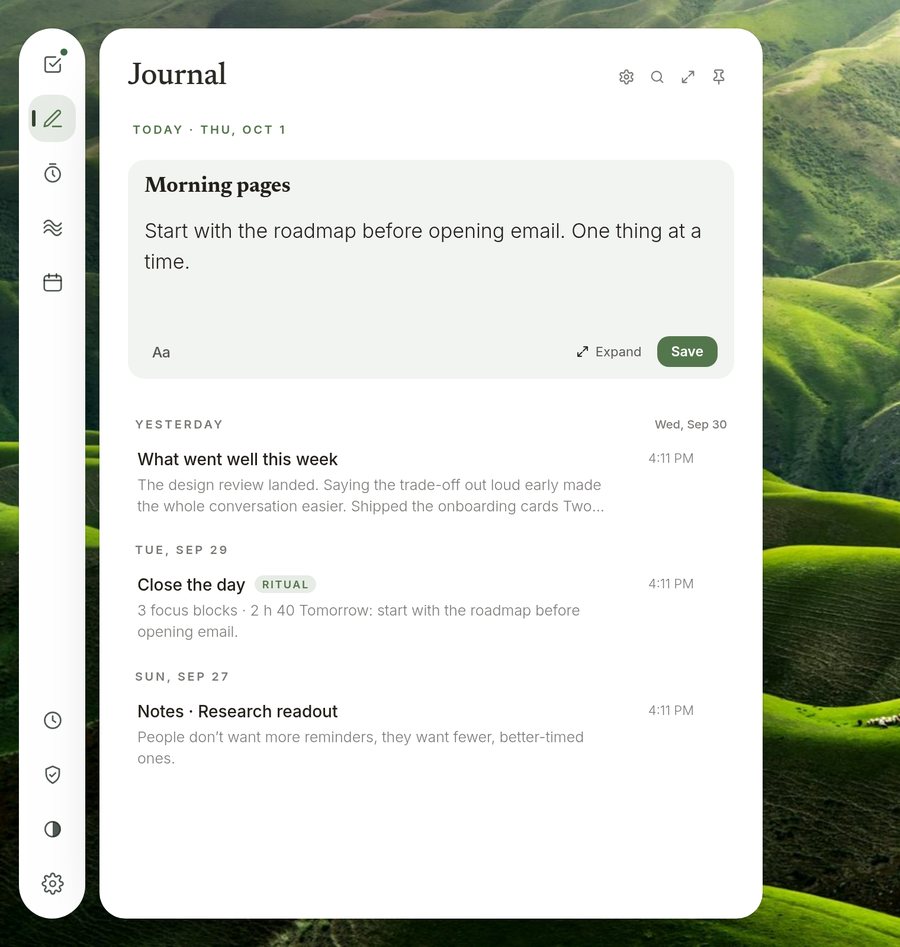
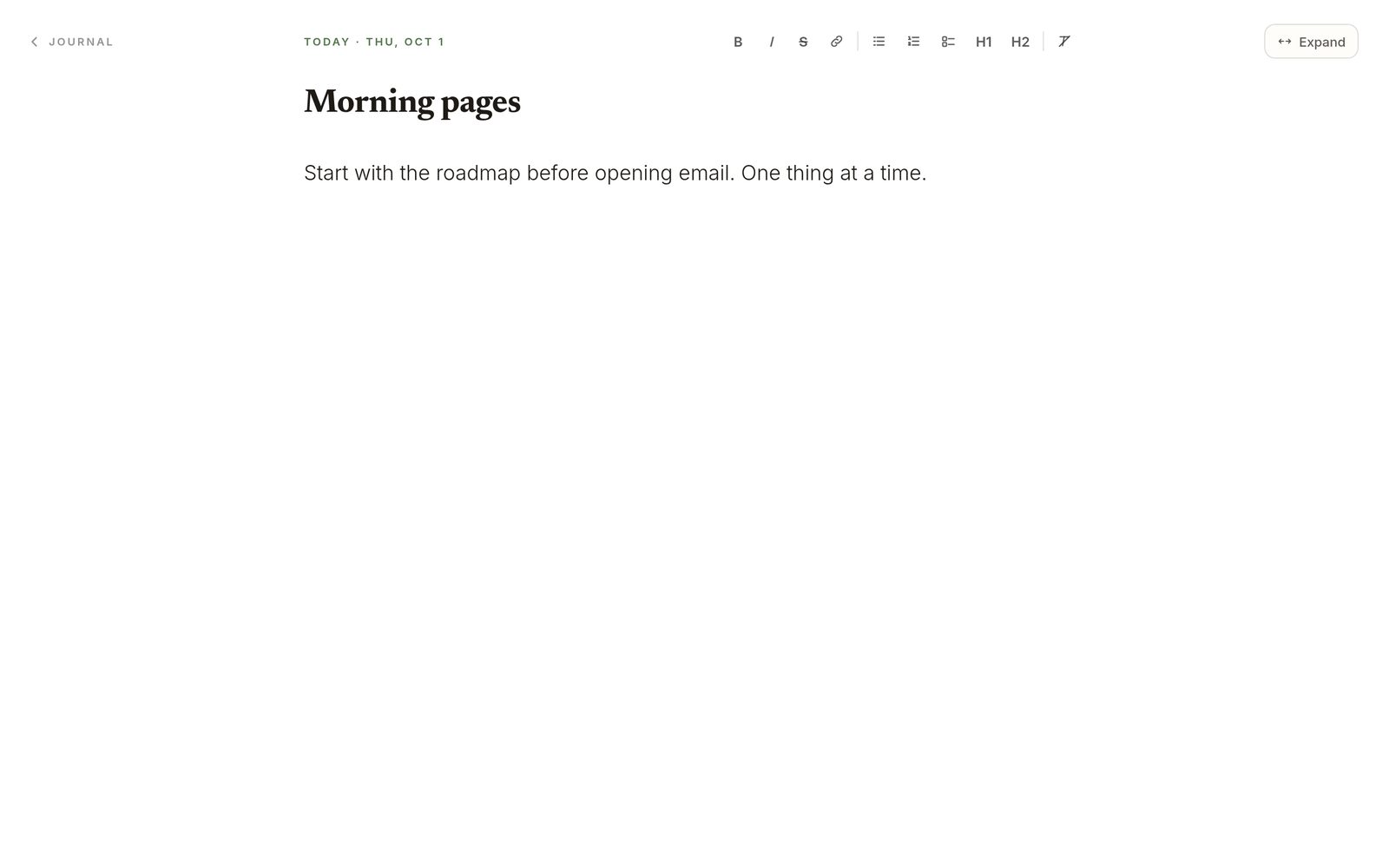
Write a line between meetings, or open the journal full screen for a longer think. Meeting notes and end-of-day reflections land here too.

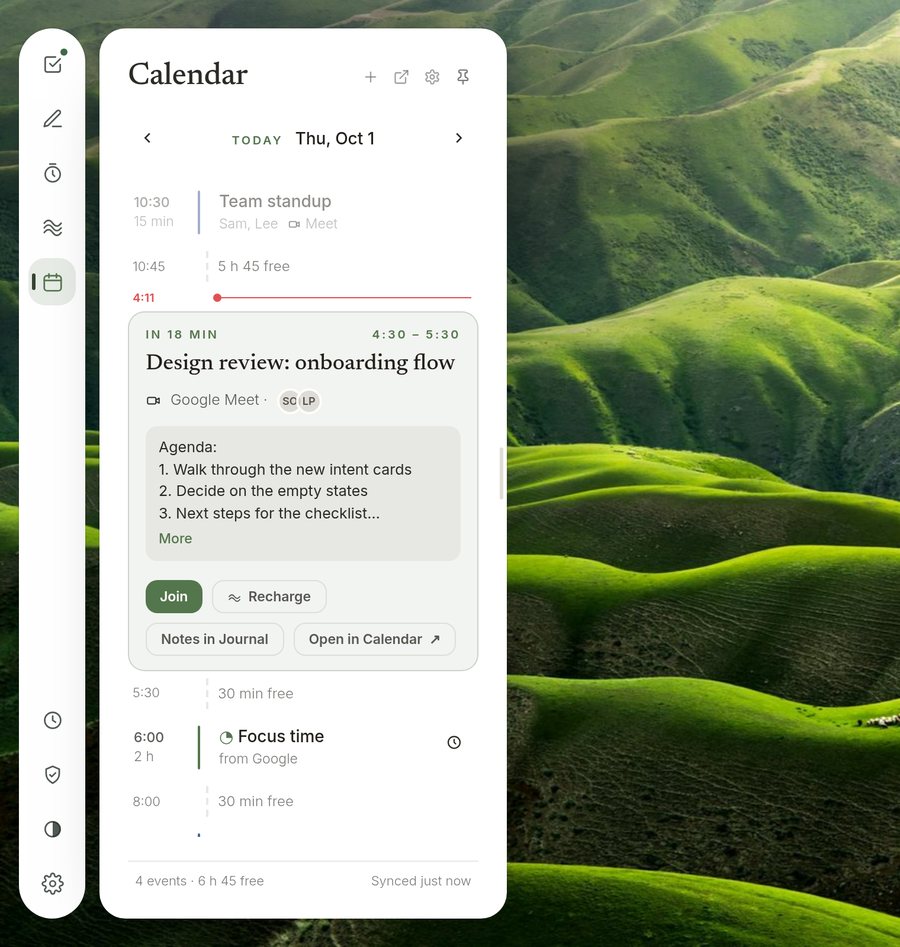
Journal panel with today’s entry and earlier entries listed by day. Calendar panel showing the day as a list, with the next meeting opened to show its agenda and buttons to join or open it in Google Calendar.

Calendar and reminders

A minute’s notice, not a morning of pings.

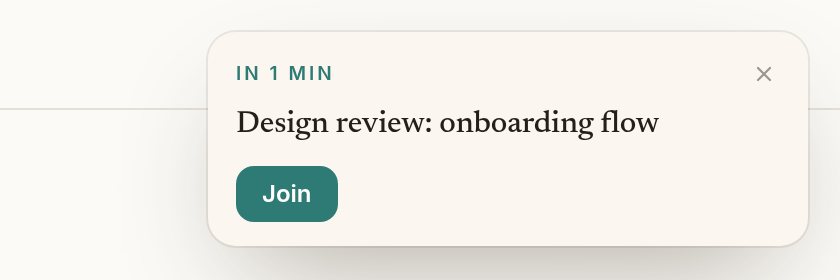
Connect Google Calendar and Ritual shows your day as a list, with the free time in between. Before a meeting, one small card appears with the one thing you’ll want to do.

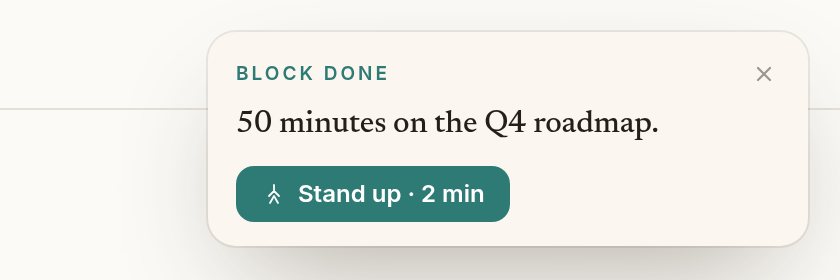
Reminder card: In 1 min, Design review: onboarding flow, with a Join button. Card after a focus block: Block done, 50 minutes on the Q4 roadmap, with a Stand up · 2 min button.

On every site

Your tools at the edge of the page.

Hover at the left edge of any site, or press Alt+Shift+Z, and the sidebar slides out with your tasks, journal and timer. It closes when you move away.

Ritual’s sidebar open over an article, showing the Tasks panel.

Recharge and Your time

Small resets, and an honest look at the day.

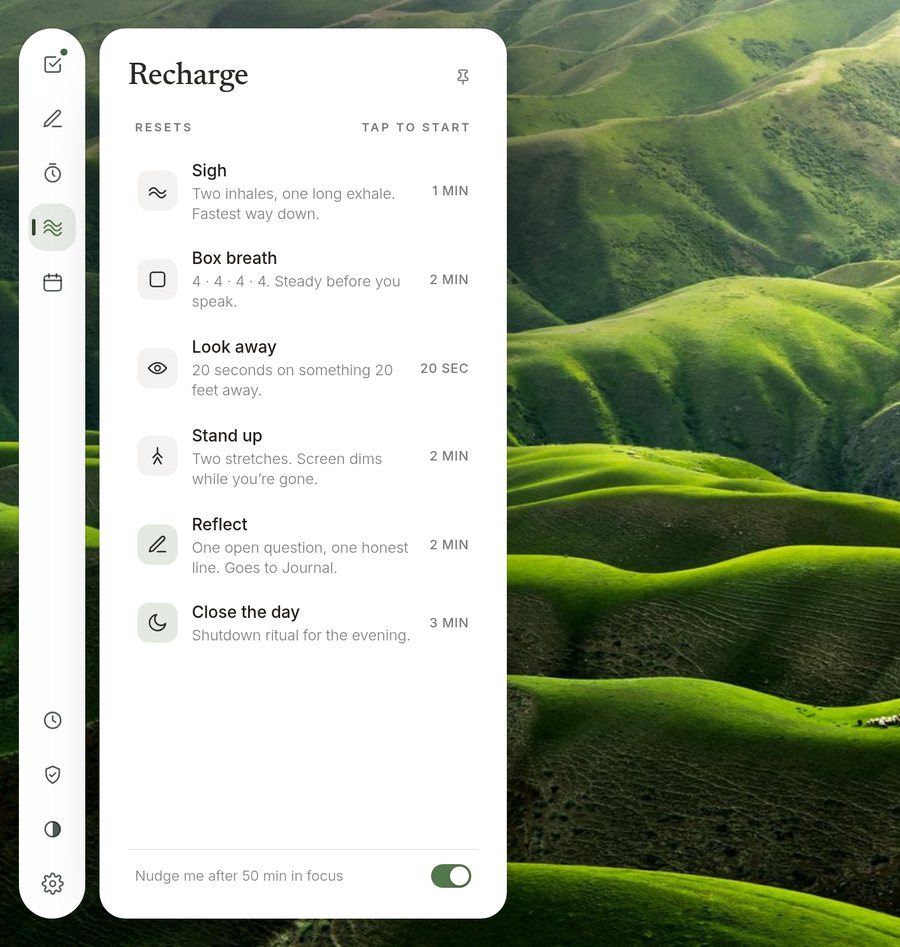
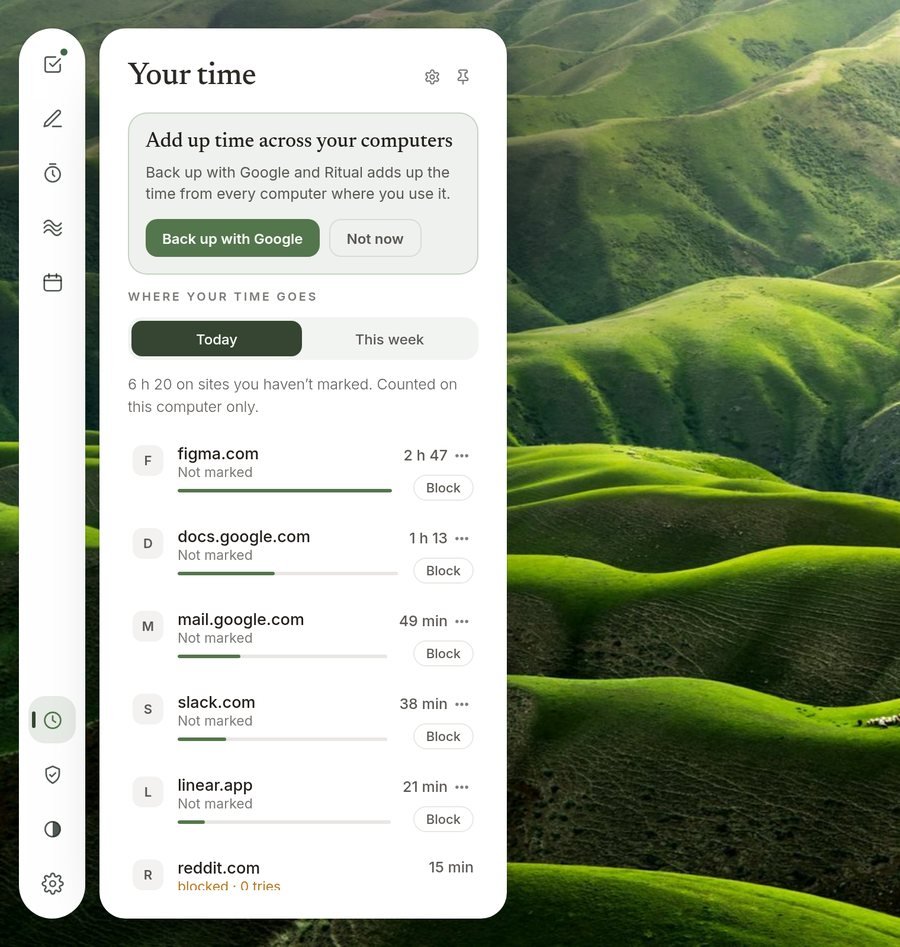
One-minute resets are offered before meetings and after long blocks. Your time shows where the hours went, site by site, so you can decide what to block next.

Recharge panel listing resets: Sigh, Box breath, Look away, Stand up, Reflect and Close the day. Your time panel listing sites with time spent today, such as figma.com 2 h 47.

Make it yours

Eight type voices, ten accents, your own photo.

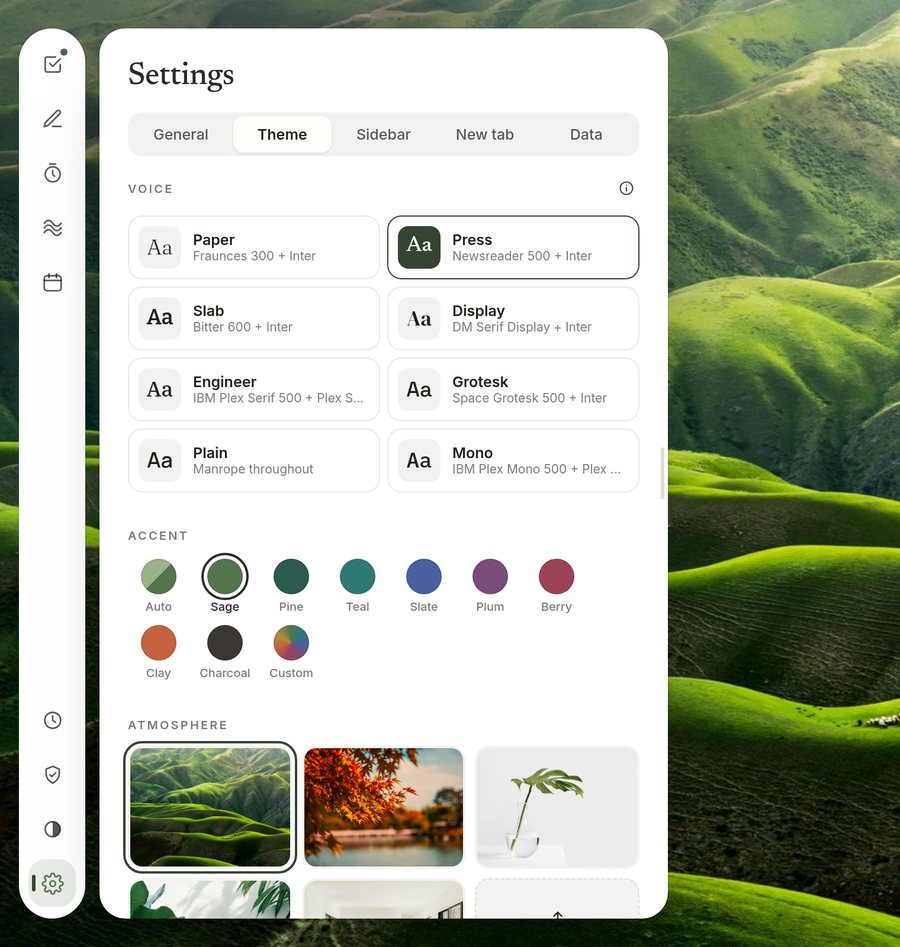
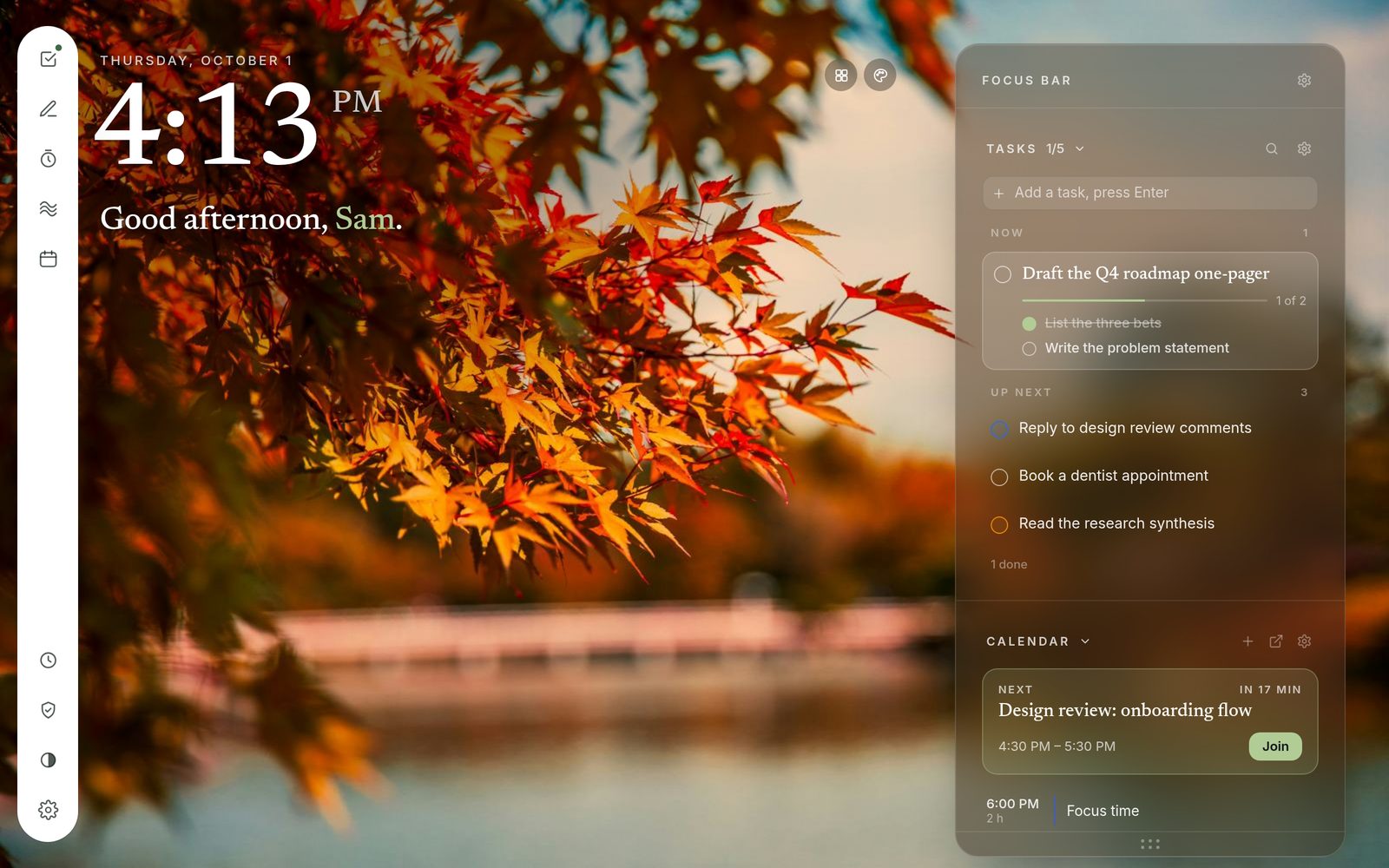
Choose a type voice, an accent colour and an atmosphere, from green hills to autumn leaves, or upload your own. Light, dark or follow your system.

Theme settings with type voices, accent colours and background atmospheres. The new tab with an autumn leaves background.

Screens

A closer look.

Scroll sideways for more

New tab with the Focus Bar
New tab and Focus Bar
Journal in full screen
Journal, full screen
Sidebar on a site
The sidebar on any site
Turn-back screen
Turning back from a blocked site
Autumn atmosphere
Autumn atmosphere
Blocked sites list
Blocked sites and where they send you
Calendar agenda
Your day as a list

Privacy

Your data stays with you.

Ritual has no servers of its own. Nothing about you or your browsing is sent to us.

Kept in your browser

Tasks, journal entries, settings, blocked sites and site time are saved on your computer.

Connections you choose

Sign in with Google only if you want your calendar, or a backup in your own Google Drive. Todoist and Google Tasks connect only when you ask. Disconnect any time.

No tracking

No analytics and no ads. Breaking tasks into steps runs on your own computer, so what you type stays there.

Read the full privacy policy.

Make your next tab a quiet one.

Add Ritual to Chrome